Gaussian blur
Smooth, natural softness for portraits, product shots and backgrounds.
 ToolboxImage
 Hide details you don’t want public before posting photos, screenshots or documents.
Group photos, events and social images
Open tool →02Screenshots, order numbers and sensitive fields
Open tool →03Vehicles, street shots and used-car photos
Open tool →04Admin panels, chats and browser captures
Open tool →05Brush to hide a single object or area
Open tool →06Make private areas unreadable
Open tool →07Soften rooms, screens and busy environments
Open tool →08IDs, receipts, forms and client records
Open tool →09Review what to hide before you post
Open tool →10Faces, screens, locations and labels in one pass
Open tool →Pick the effect that fits: natural softness, hiding readable detail, or full coverage.
Smooth, natural softness for portraits, product shots and backgrounds.
Turn detail into blocks — ideal for faces, numbers, text or sensitive screenshot areas.
Scatter readable content with noise so text in screenshots and documents is hard to recover.
Paint a flat block over anything that must be hidden completely, such as IDs and receipts.
From design backdrops to launch teasers, blur is a everyday visual technique.
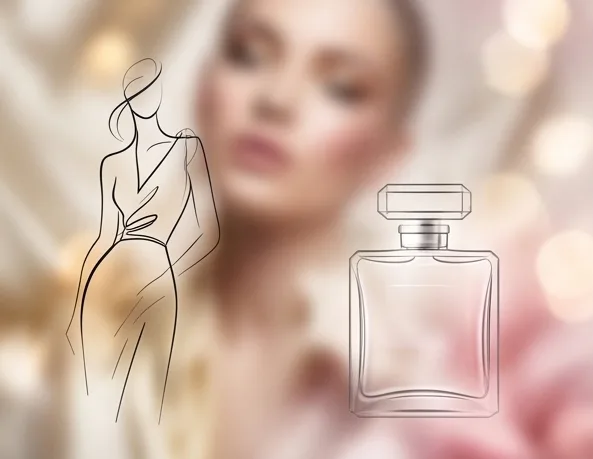
Turn ordinary photos into refined, abstract backdrops with several blur styles — Gaussian, pixel and soft background blur — while keeping the original color and light.
Blur is more than a filter — it is a powerful expressive tool. Add soft haze to landscapes for a dreamy feel, or a gentle glow to portraits for warmth and nostalgia.
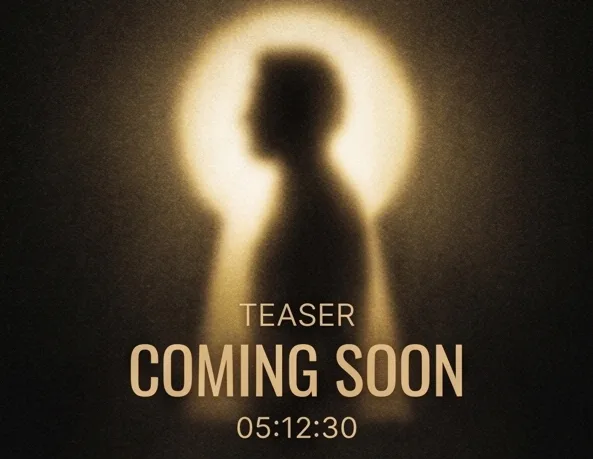
Launching a product or a big surprise? Blurred images grab attention and build anticipation — a classic marketing trick that keeps your audience excited about what is coming.
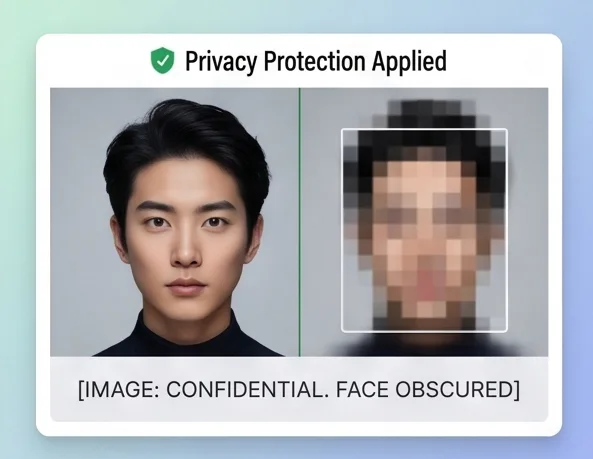
Need to show a screenshot or document without exposing private data? Our blur tool lets you mask the whole image while keeping context — ideal for safely presenting concepts and UIs.
From compression and resizing to creative effects and media prep.
Gaussian, mosaic, noise and cover
TOOLShrink JPG, PNG and WebP file sizes
TOOLExact sizes for publishing needs
TOOLCrop, rotate and flip images
TOOLAdd a vintage film-grain look
TOOLSave covers and still frames from video
Every step lets you check before saving, so nothing sensitive slips out.
Every change shows live, so you save only when you are happy with it.
Brush, rectangle and lasso selection plus a strength slider.
Open the page and start — no sign-up, no login.
You export a processed copy; the original stays on your device.
Guides by scenario: blur faces, hide screenshot text, choose box or freehand.
Protect identities in group, event, product and social images while keeping context.
Read guide →GUIDELearn which text to hide before sharing screenshots, documents and private images.
Read guide →GUIDECompare rectangle and freehand blur to pick the precise way to hide details.
Read guide →Open a tool, upload a file, preview and download. No complicated setup.
Click, drag and drop, or paste an image on supported pages.
Pick the area, effect, strength and export format while checking the live preview.
Save a clean copy — the original stays on your device.
Everyday edits run locally in the browser via Canvas — images are never auto-uploaded as part of the normal workflow.
Yes. Blurring, compressing and everyday edits are free for single images, no sign-up required.
Upload an image, select the full area with the brush, rectangle or lasso, then pick Gaussian blur or pixelation.
Yes. Pages support modern mobile browsers and touch input.