
Multiple blur effects
Gaussian for smooth natural softness, pixelation for unreadable blocks, noise to scramble readable text, and solid cover for anything that must disappear.
 ToolboxImage
 Great for background softening, teasers and gentle overall blur — no selection needed.
Drag the slider to preview in real time.
Hide sensitive details in three simple steps
Click or drag to upload — the image opens directly in your browser.
Drag the strength slider and switch between Gaussian blur, pixelation, noise and cover with a live preview.
Download the finished image once you are happy — the original stays on your device.
Gaussian for smooth natural softness, pixelation for unreadable blocks, noise to scramble readable text, and solid cover for anything that must disappear.
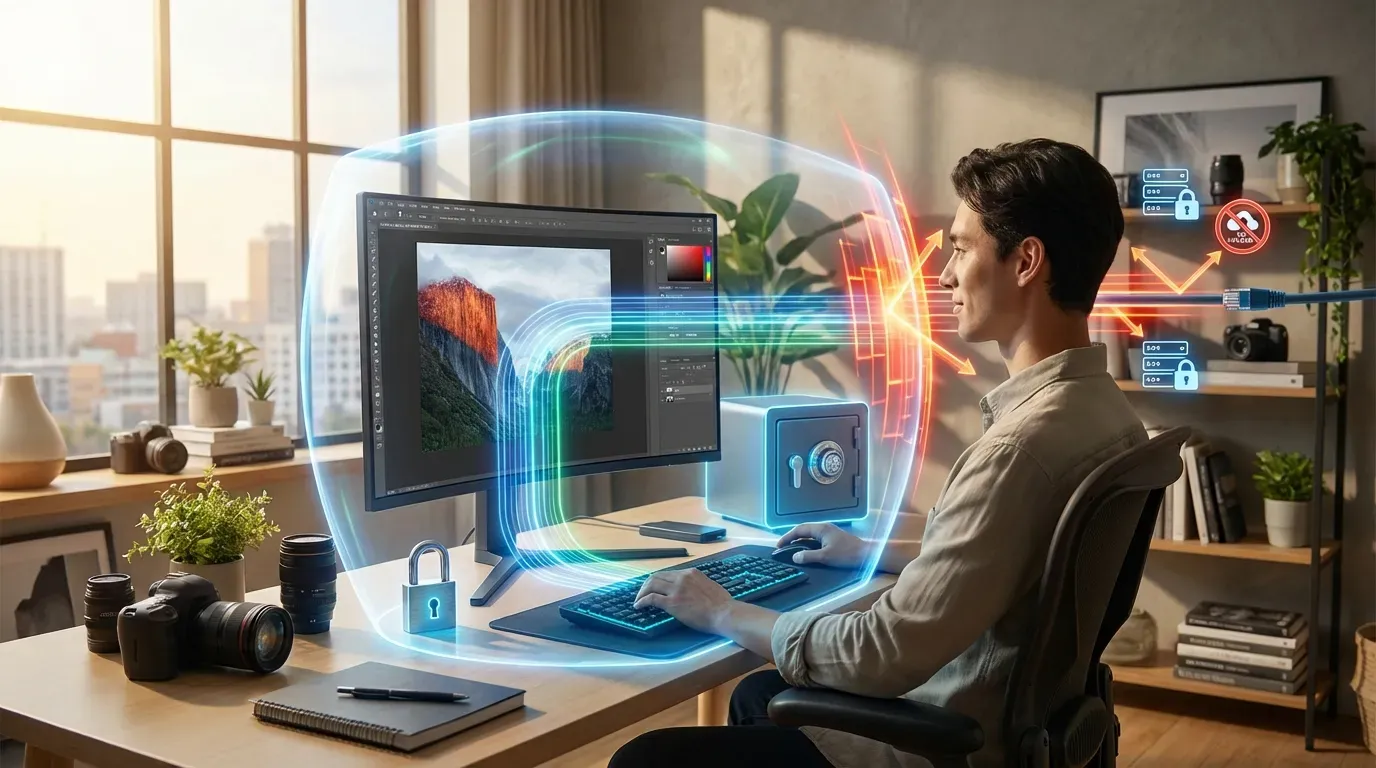
Every edit runs on Canvas in your browser. Images never leave your device, so your data stays fully private.
Every strength change and effect switch is reflected instantly — no guessing the result.

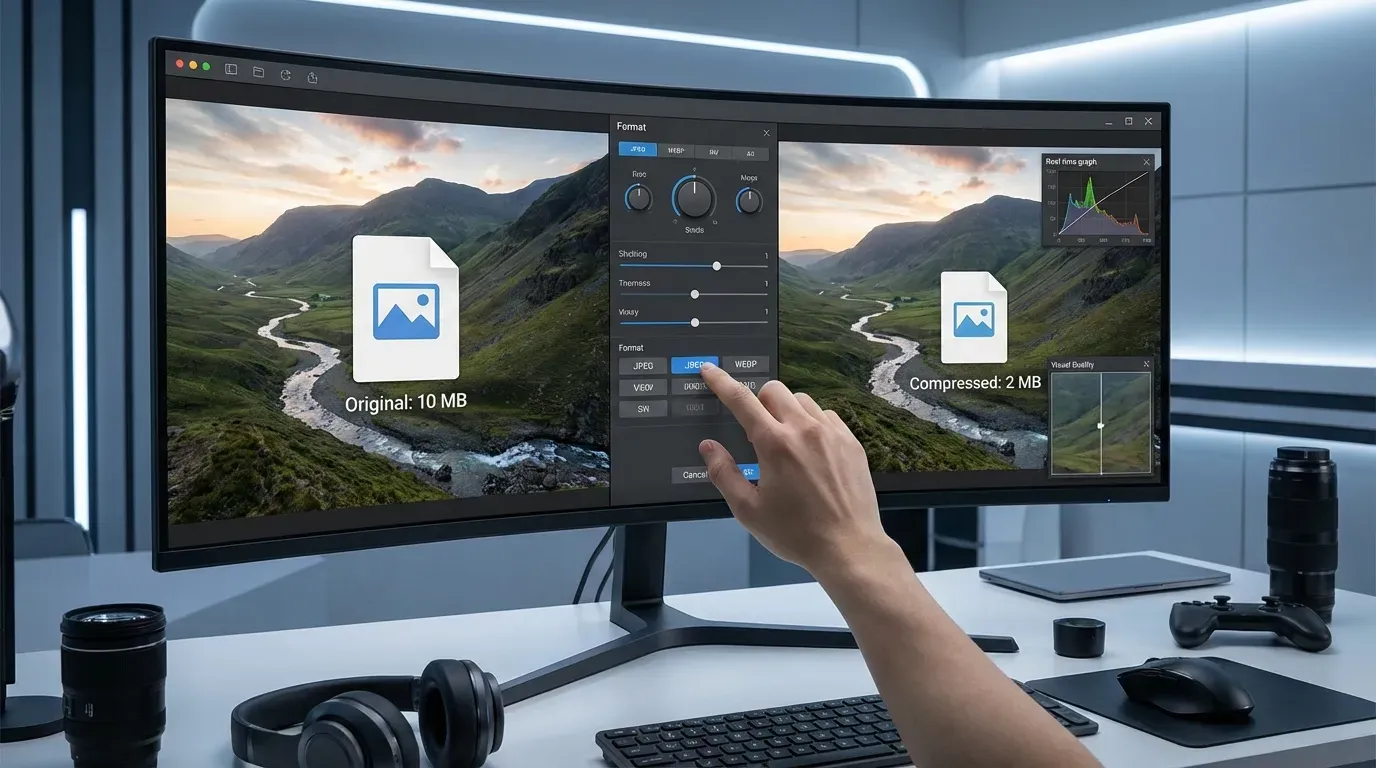
JPG, PNG and WebP are supported, with a free choice of export format and quality.
One unprocessed screenshot can leak a lot
Hide faces that should not be public in group, event or street photos while keeping the context.
Cover names, emails, order numbers, accounts and addresses before a screenshot leaves your machine.
Blur plates before posting car, used-car listing or travel photos.
Blur room backgrounds, screens and IDs to remove traceable clues.
Blurring is one step of the pre-sharing routine
Yes. Blurring and editing single images is completely free, no account required.
No. All blurring happens inside your browser — images never leave your device.
Pick Gaussian for a natural look; pick pixelation when the content must be impossible to recover, such as faces, plates or text.
Yes. Pages support modern mobile browsers and touch input for brushing and selection.