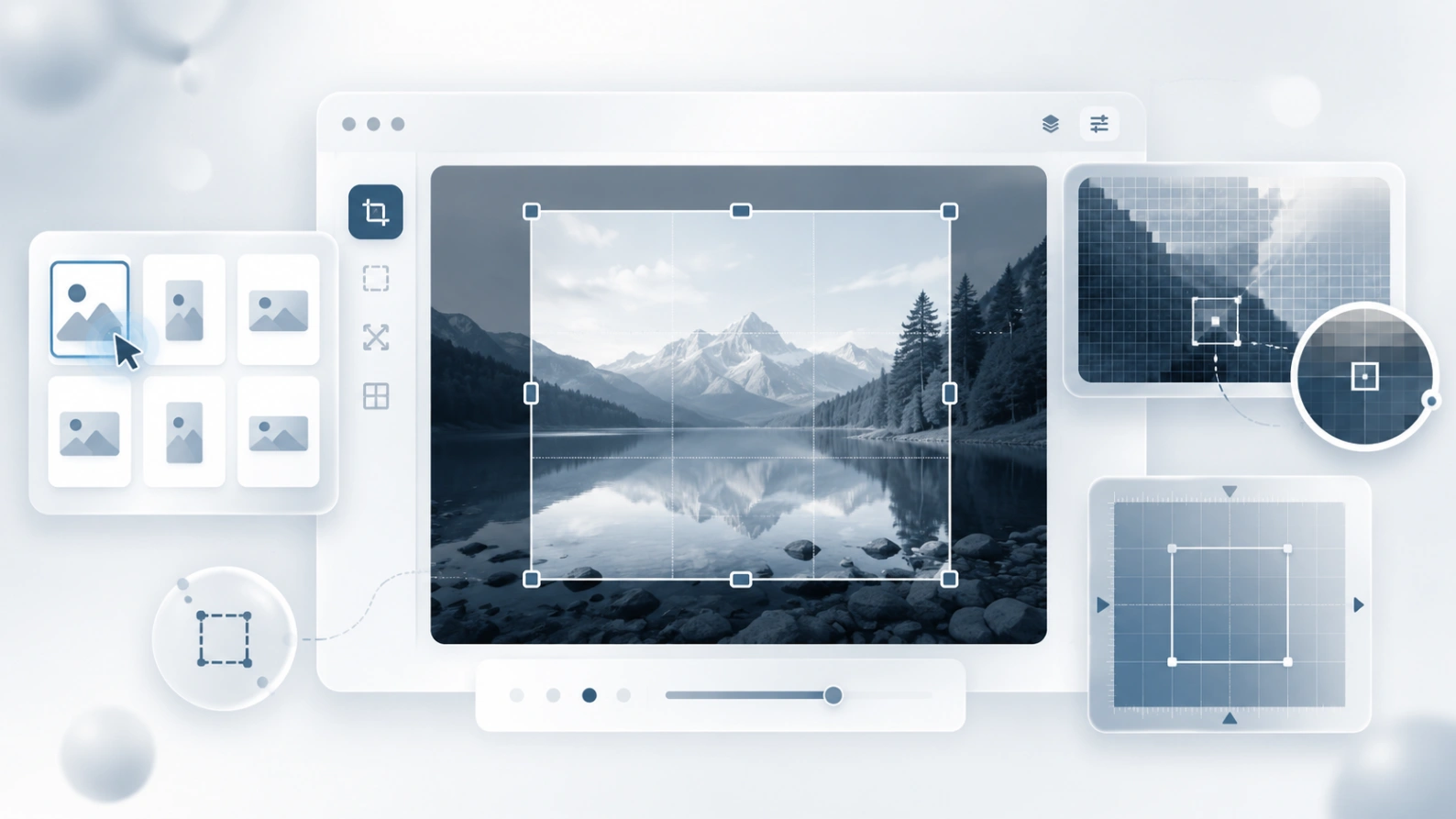
Batch resizing
Upload multiple images at once and apply the same width or height to the whole batch.
 ToolboxImage
 Enter the target width and height, lock the ratio and export.
Exact width and height in three steps
Pick a single image or upload a whole batch at once.
Enter width and height, keep the aspect ratio, or edit a single image individually.
Generate the resized image in your browser, then download it.
Upload multiple images at once and apply the same width or height to the whole batch.
Open any image in the list and set its width, height, format and quality separately.
Everyday resizing runs in your browser — no upload to any server.
Choose the right output format for small size, transparency or modern web needs.
Prepare sizes for avatars, upload forms, product listings, articles or emails
Shrink photos, crop away excess, or make square avatars before posting.
Prepare uniformly sized product images for listings, catalogs and shop pages.
Fit screenshots or document images to upload limits while keeping them readable.
Select the area to keep first, then export at the exact width and height you need.
Once resized, keep polishing
Yes. Both single and batch resizing are free, no sign-up needed.
No. Everyday resizing completes entirely in your browser.
Yes. Select the area to keep in the editor first, then export at the target size.
WebP or JPG for web and forms; PNG when you need transparency.