
Smart compression
Our algorithm analyzes your image to find the best compression ratio, cutting file size significantly while keeping the visual quality professional work needs.
 ToolboxImage
 Adjust quality and format to shrink the file size.
All processing happens locally in your browser.
Optimize your images in three simple steps
Select or drag and drop an image to load it into the compressor.
Choose your preferred export format and quality.
Download the optimized image right away.
Our algorithm analyzes your image to find the best compression ratio, cutting file size significantly while keeping the visual quality professional work needs.
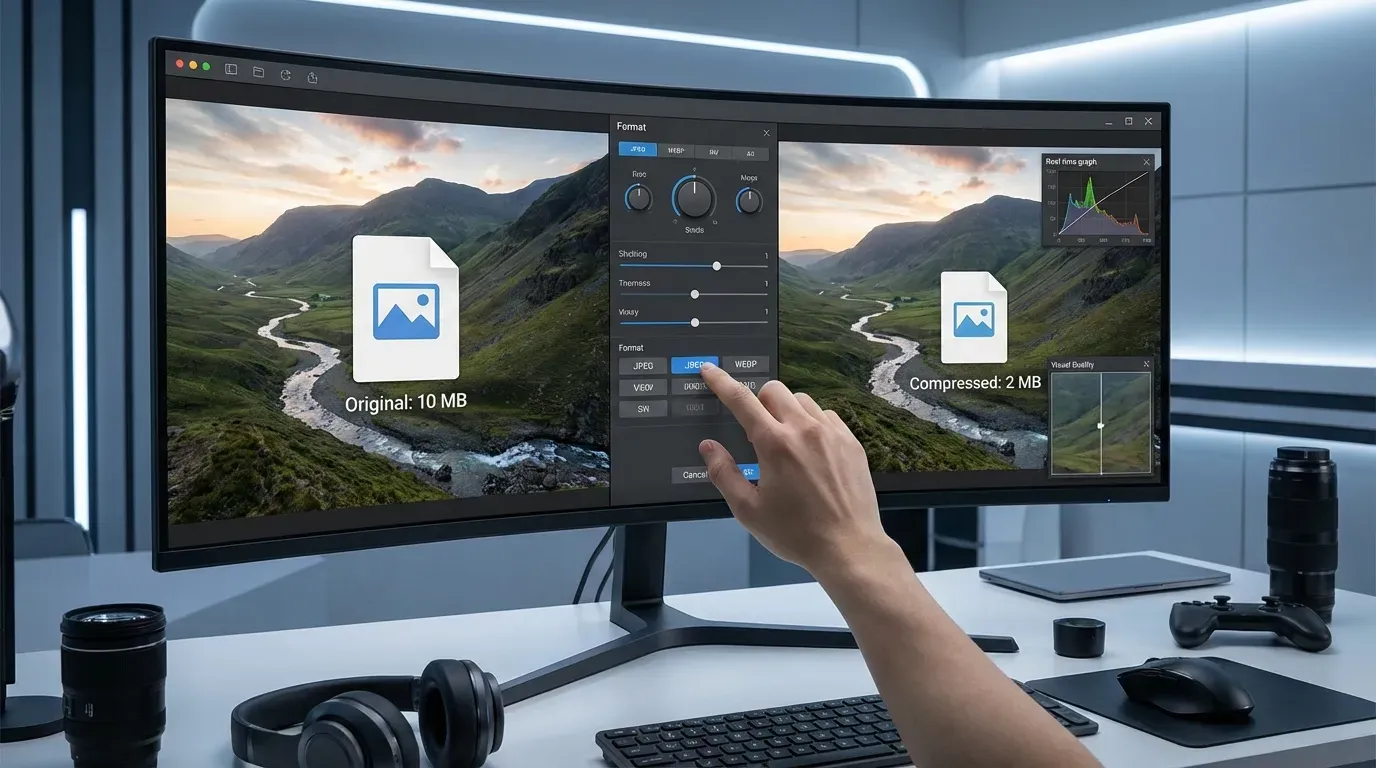
Your privacy comes first. Unlike other tools we process images right in your browser — no files are uploaded to any server, keeping your data fully private.

No guessing. See the compressed image and its file size in real time, then tune quality and format until you hit the perfect balance.

Convert your image to efficient WebP automatically, or keep JPEG or PNG. All major formats are supported for cross-platform compatibility.
Optimized images are the key to a better web experience
Large images slow your site down. Compression markedly improves load times, boosts SEO and keeps visitors engaged.
Shrink image files without sacrificing quality to cut storage costs and free up device space.
Users expect fast, responsive sites. Compressed images ensure smooth scrolling and quick display on every device, especially mobile.
Send photos faster over email or messaging apps. Smaller files upload quickly and never hit attachment limits.
Compression is one step of the pre-publish routine
Yes. Compressing single images is free, no account required.
Yes. Compression runs in your browser — images are never uploaded to a server.
JPG, PNG and WebP for both input and export, so you can always pick the most size-efficient format.
Compression always discards some data, but the quality slider lets you balance size and clarity with a live preview before you download.