
Blur Insurance Claim Photos Without Hiding the Damage
Adjusters need the damage, not your neighbour's plate or the policy document on the dashboard. Mask the surroundings, keep the evidence sharp.
November 8, 2026|Toolbox Image|#insurance #privacy-blur #blur-image#image-tools
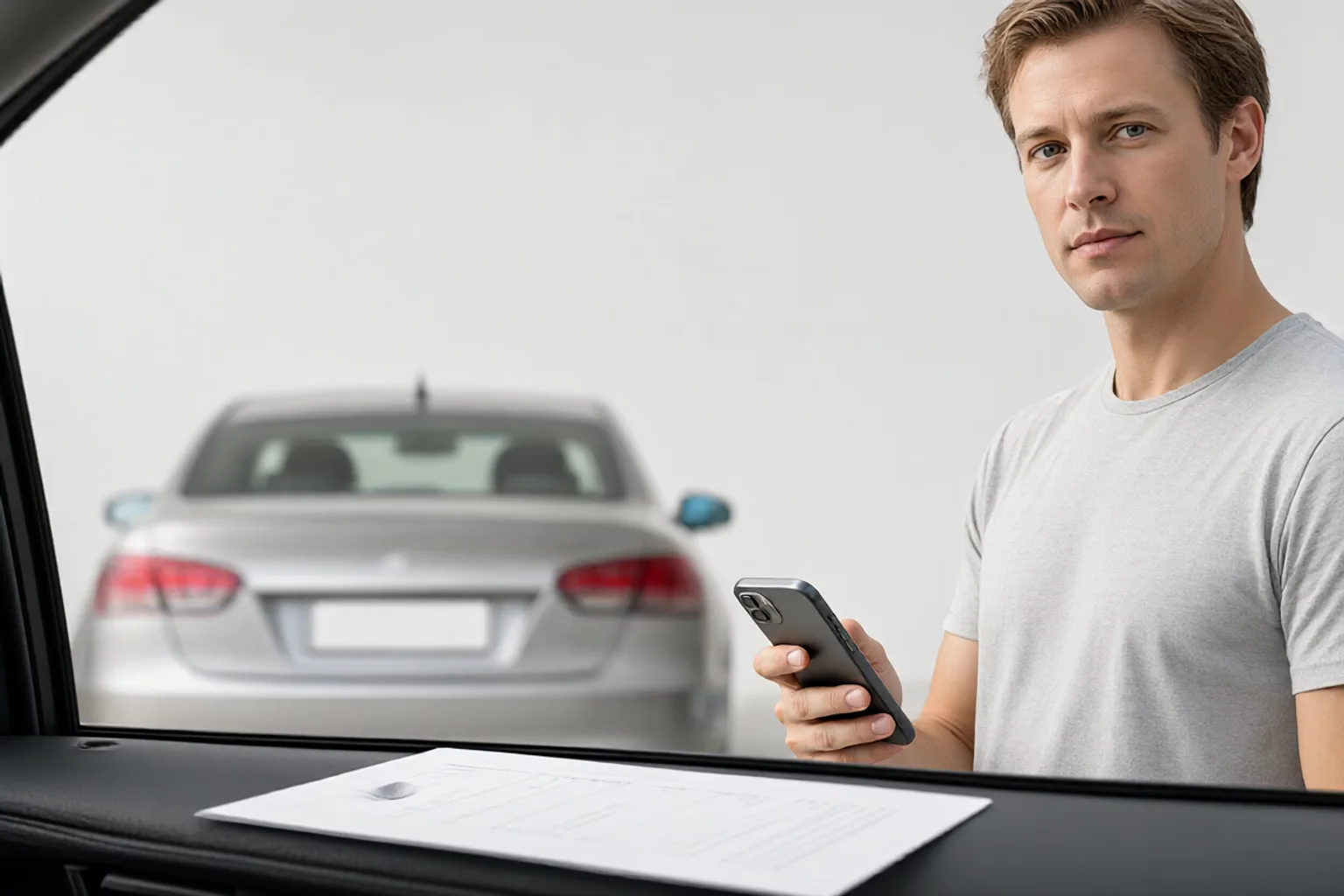
Blur Insurance Claim Photos Without Hiding the Damage
Claim photos have two conflicting jobs. The adjuster needs to see the dent, the crack or the water line clearly enough to assess it. You need the same photo not to broadcast a neighbour’s number plate, the policy document on the dashboard, the VIN plate, or a child’s name on a car seat.
Most people solve this by blurring the whole image lightly. That is the one approach that fails both jobs: the damage loses definition and the small high-contrast identifiers stay readable. Local masking is the answer.
Quick Takeaways
-
Mask the surroundings, never the damage. Keep the dent, crack or watermark edge tack sharp.
-
Common leaks: other plates, policy papers, VIN, phone screens, garage number, bystanders’ faces, house numbers.
-
Keep one unredacted original set for your own records; submit a masked copy.
-
Small characters (plates, VIN, printed policy numbers) need a strong mask or an opaque block.
-
Check the exported files at the size the claims portal displays — recompression can weaken a light blur.
What Ends Up in a Claim Photo
| Where you pointed the camera | What else is in frame | Action |
|---|---|---|
| Car door dent | Neighbouring car’s plate, garage door number | Mask the plate and number, keep the dent sharp |
| Windscreen | Policy document, parking permit, phone on the dash | Mask the paper and screen entirely |
| Dashboard / VIN area | VIN, service sticker, registration | Mask the VIN; include it only through the official form |
| Interior damage | Child seat name label, luggage tag, faces | Mask labels and any bystander’s face |
| Wide context shot | House number, street sign, neighbours, mail | Mask plates and numbers; keep the scene layout |
| Water / fire damage | Fridge notes, certificates, framed documents | Mask personal text, keep the damage boundary |
Number plates are the classic case. They are short, high contrast and designed to be read at a distance, which also makes them the hardest thing to hide with a gentle blur. Use a generous margin and a strong mask — the licence plate guide has the detail.
Two Sets: One for You, One for the Claim
Before editing anything, keep the original files untouched in a private folder. You may need them later to prove the extent of the damage or to answer a follow-up question. Then make a copy and mask the copy.
That split matters because over-masking can itself cause problems. If a blur bleeds into the edge of a dent, an adjuster cannot tell where the damage ends. Work with a tight selection:
- Open the copy in Toolbox Image.
- Box-select only the identifier area, leaving a few pixels of margin.
- For irregular shapes or a face, switch to freehand painting — see box select and freehand.
- Apply a strong mask; use an opaque block for plates, barcodes and VINs, per blur vs. redact.
- Zoom out and confirm the damage is still the sharpest thing in the frame.
Privacy Blur is useful for a first sweep if the photo contains several identifiers you did not notice when shooting.
Add Scale Without Adding Data
Adjusters like a sense of scale. A ruler, a coin or a hand next to the damage helps — none of which requires a readable document or a plate. If you would normally use a printed form as a size reference, cover its text first. The same “keep the evidence, lose the identifiers” logic applies to secondhand listing photos and to rental listing shots.
Also check glossy paint and glass. A car bonnet or a window can reflect you, the driveway and the house number — see reflections in photos.
Before You Upload
Export the masked copies, then open the actual files that the portal received. Claims systems often downscale and recompress, and a soft blur around a small plate can become legible again at certain sizes. If anything is readable, go back to the original copy and increase the strength.
If you are also cropping or resizing, do the masking first at full resolution. The full before-sharing workflow explains the order.
FAQ
Won’t blurring make the adjuster suspicious? A clearly localised mask over a number plate or a document is normal and expected. What looks odd is a uniformly soft photo where the damage itself is blurred. Keep the masking tight and keep the damage sharp.
Should I include the VIN in a photo? Usually no. Provide it through the official claim form instead. A VIN is a durable identifier and does not help assess a dent.
What if the neighbour’s car is central to the accident? Then their plate may be evidence rather than incidental detail. Ask the adjuster or insurer what they need before masking anything that explains how the incident happened.
Do I still need to strip metadata? Yes, if the phone embedded a location. A mask changes pixels only; the metadata guide covers the separate step.
Related image editing guides
Blur a Licence Plate Online
Why plates need a stronger mask than faces or logos.
Blur vs. Redact
Choosing an opaque block for short, machine-readable strings.
Box Select and Freehand Blur
Keeping a strong mask tightly localised around irregular shapes.
Blur Reflections in Photos
Glossy paint and glass often hold a second view of the driveway.