
What to Blur in Secondhand Marketplace Photos
Receipts, serial numbers, return addresses and reflections in a product shot all leak data. A seller's checklist for clean listing photos.
November 8, 2026|Toolbox Image|#marketplace #privacy-blur #blur-image#image-tools
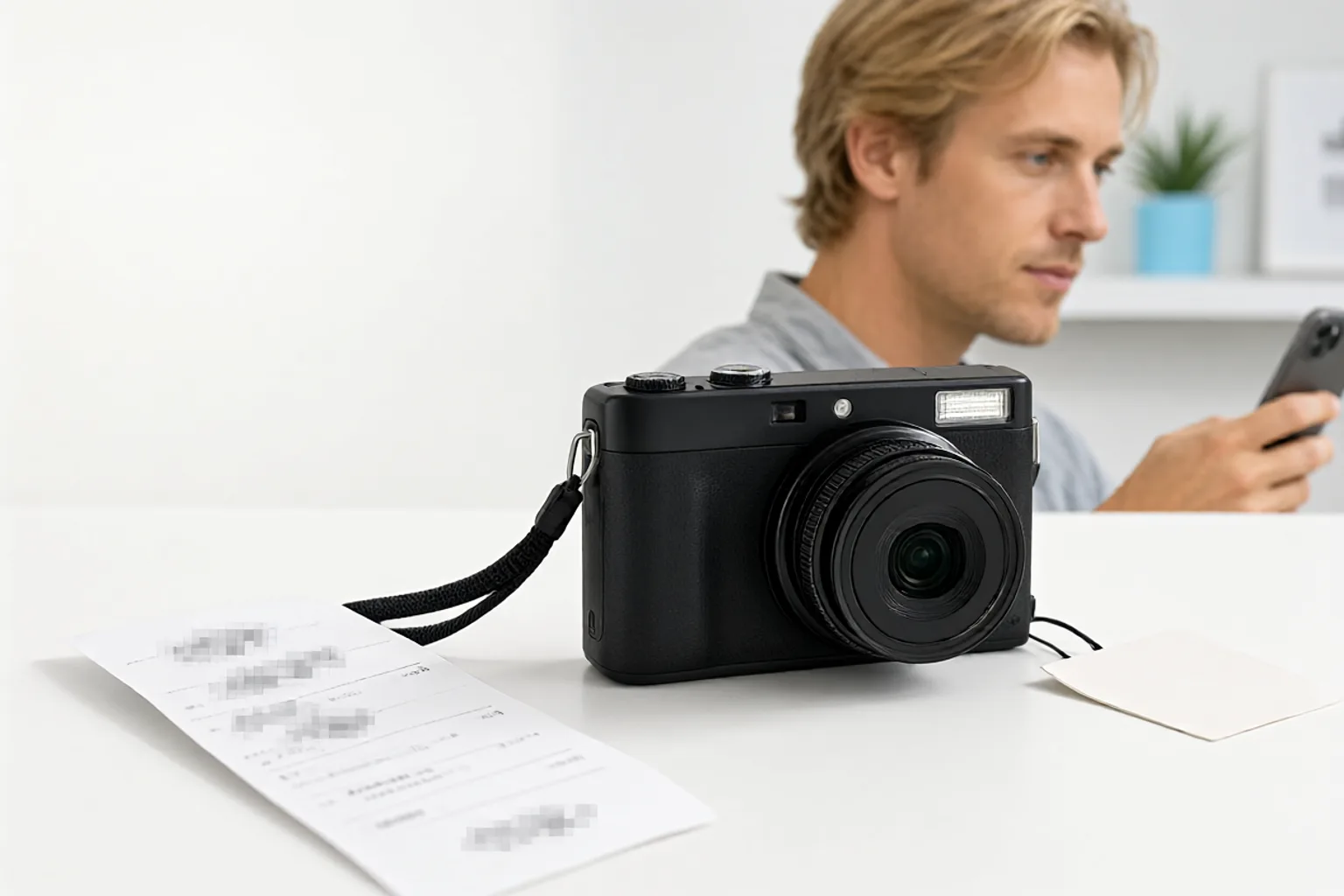
What to Blur in Secondhand Marketplace Photos
Sellers are told to photograph everything: the item, the box, the receipt, the serial sticker, the accessories laid out neatly. That advice is good for buyer confidence and terrible for privacy. A single “proof of purchase” shot can hand a stranger your full name, home address, the last digits of a card and a scannable serial number.
Marketplace listings are also public and durable. They are indexed, scraped into price-comparison sites, screenshotted into negotiation threads and kept in the platform’s cache long after you delete the listing.
Quick Takeaways
-
A receipt is the densest leak in a listing: name, address, store, date, partial card number and often a barcode.
-
Serial numbers can be used to check warranty status, look up an account or prove ownership of a device you no longer have.
-
Keep the evidence sharp — scratches, wear, model details — and mask only the identifiers.
-
Reflections in a glossy screen or polished product body often show you, the room and another device.
-
A blur is fine for a photo of a logo; a solid block is better for a barcode or a printed number.
The Seller’s Masking Checklist
| In the shot | Why it matters | What to do |
|---|---|---|
| Paper or digital receipt | Name, address, partial card, purchase date | Mask all identifier lines, keep only the item line if you need proof |
| Serial / IMEI sticker | Warranty lookup, account association, theft targeting | Cover completely, or photograph only part of the label |
| Original packaging label | Your shipping address and phone | Blur the whole label block |
| Warranty card or invoice | Same data as the receipt, sometimes with a signature | Mask, or leave it out of the set |
| Glossy screen or lid | Reflection of your face, room, or a second screen | Check at 100% zoom; mask the reflection |
| Background surfaces | Mail, keys, other valuables, a calendar | Move them out of frame before shooting |
| Screenshot of the original order | Account name, order ID, delivery address | Use a screenshot masking pass |
The receipt deserves special attention. If you need it to prove authenticity, keep the store name and the item description visible and mask everything else. Our receipt guide has a field-by-field version of this.
Keep the Evidence, Lose the Identifiers
Buyers want to see the condition: scratches, dents, port wear, screen burn, whether the original accessories are included. None of that requires a readable serial number. A common mistake is blurring the whole photo lightly, which hides the wear and leaves the serial partly legible — the exact opposite of what you want.
Work the other way around:
- Compose the shot so the item and its condition are sharp and well lit.
- Mark only the identifier areas.
- Apply a strong mask to those areas, with a margin of a few pixels around the text.
- Zoom out to the display size and check nothing readable remains.
Toolbox Image lets you select a box or paint a freehand region, so a strong mask stays local instead of softening the whole listing photo. For structured marks such as a QR code or barcode, skip the blur entirely — see why a solid block wins and the QR code guide.
Reflections: The Shot You Did Not Plan
Phones, laptops, watches and glossy boxes behave like mirrors. A product photo taken from above often includes a dim reflection of your face, a window, or the laptop screen behind you. It is easy to overlook because it is dark and slightly out of focus — but a buyer can brighten it in two clicks.
Open each photo at full size and look specifically at the dark glossy areas. If you see a second screen or a face, mask it. Blur reflections in photos covers glasses, windows and displays in more detail.
Before You Hit Publish
Do one pass on the exported files, not in the camera roll. Platform recompression can change how a light blur reads, and some portals add their own watermark on top of your image. Check the final uploaded version once, at the size a buyer will see.
Also remember that pixels are not the whole story — strip location and camera metadata from the files before uploading. The metadata guide covers that step, and the full before-sharing workflow puts masking, cropping and compression in the right order.
FAQ
Should I show the receipt at all? Only if the buyer needs proof of purchase. Even then, one photo with the item line visible and every identifier masked is enough. A full unredacted receipt adds risk without adding much trust.
Is a serial number really sensitive? It is not a password, but it is a durable identifier. It can be used to query warranty and service records, and it links a physical device to an account. Cover it on the sticker and in any screenshot of the settings page.
Will a blurred serial number still be readable after the platform compresses the photo? A light blur can become readable again at certain sizes. Use an opaque block for short, high-contrast strings. See how much blur is enough for the relationship between text size and blur radius.
What if the reflection is very dark? Dark does not mean unrecoverable. Brightness and contrast are cheap to adjust. If the reflection contains a face, a screen or an address, mask it anyway.
Related image editing guides
Blur a Receipt or Payment Detail
A field-by-field walkthrough for the single riskiest document in a listing.
Blur Reflections in Photos
Glossy products are mirrors; here is how to check them.
Blur vs. Redact
Why an opaque block beats a soft blur for barcodes and serials.
How to Remove Metadata From Photos
Masks change pixels; metadata needs a separate step.