
Blur Rental Listing Photos Before You Post Them
Wide shots of a room can expose door numbers, neighbours' plates, parcels and Wi-Fi notes. A room-by-room check before a listing goes live.
November 8, 2026|Toolbox Image|#rental-privacy #privacy-blur #blur-image#image-tools
Blur Rental Listing Photos Before You Post Them
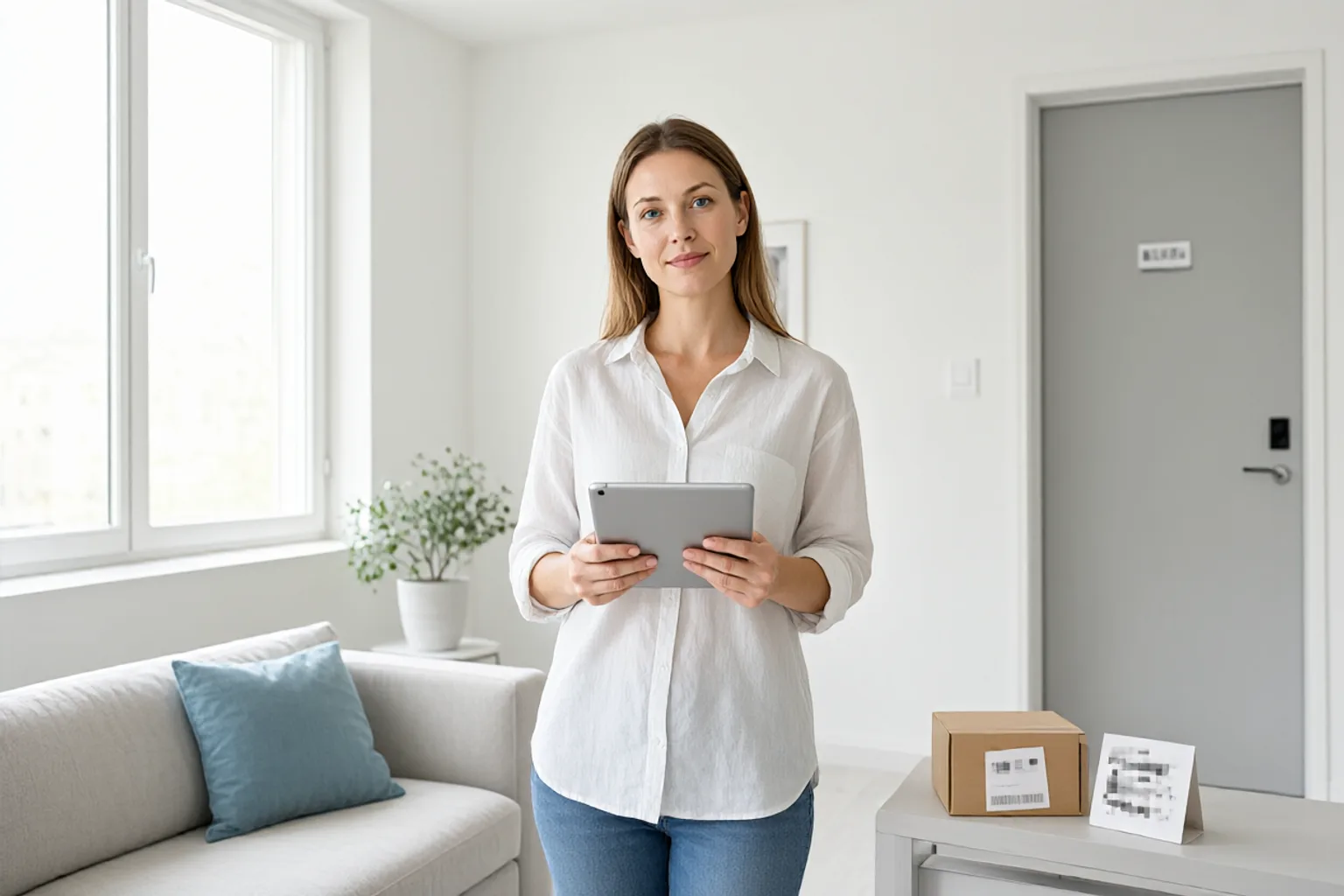
A good listing photo needs a wide angle: one frame should show the whole room, the window and the light. That same wide angle is exactly what pulls your front door number, a parcel on the side table and the neighbour’s number plate through the window into the shot.
Listing photos also travel further than a normal photo. They get copied by agents, cached by portals, embedded in messages and screenshotted into group chats. Once the set is public, you do not get to edit every copy. Cleaning the originals before upload is the only reliable moment.
Quick Takeaways
-
Wide-angle interiors capture the edges: hallways, desks, window views and reflective surfaces.
-
A door number plus a visible street gives a stranger a precise address; a parcel label gives a name and phone number.
-
Mask at full resolution first, then crop or resize — downscaling can make a light blur look weaker.
-
For barcodes, QR codes and small print, use a solid block rather than a soft blur.
-
Do one final pass at the actual size the portal will display, not in your photo viewer.
What a Wide Angle Captures by Accident
| Where you aimed | What else is in frame | What it reveals |
|---|---|---|
| Front door / entry | Door number, name plate, intercom label | Exact unit and surname |
| Living room table | Parcel, letters, Wi-Fi note, keys | Name, address, phone, network password |
| Window view | Parked cars, street sign, house opposite | Plate numbers and precise location |
| Kitchen counter | Prescription bottle, mail, calendar | Health details and schedule |
| Mirror or glossy cabinet | Reflection of you and the room behind the camera | A second, unplanned angle on everything |
| Wall / fridge | Kids’ artwork, school name, certificates | Children’s names and school |
The last two are the ones people miss. A mirror does not just show the room — it shows the part of the room you deliberately stood outside of. See what reflections leak for a longer list.
A Room-by-Room Pass
Start with the entry and hallway. Door numbers, name plates and intercom labels are small, high-contrast characters — exactly the kind of detail that survives a gentle blur. Either crop them out or cover them completely. Our address masking guide covers the same problem from the street-photo side.
Move to horizontal surfaces. Parcel labels, envelopes and handwritten notes are usually flat, well lit and perfectly readable in a 24-megapixel file. A soft smudge is not enough: apply a strong mask with a generous margin around the label, and if the label carries a barcode, use a solid block instead. The reasoning is in blur vs. redact.
Finish with glass and screens. Check the window for the neighbour’s plate, the TV for a reflection of the room, and any smart display for a name or calendar. Number plates need a fairly heavy treatment — see the licence plate guide.
Blur, Crop, or Move the Object?
Not every leak needs a mask. In roughly this order:
-
Move it out of frame. A parcel on the table is easier to pick up than to retouch, and removing the object leaves no artefact.
-
Crop it out. If the door number sits in the outer 10% of the frame, a tighter crop often improves the composition anyway.
-
Blur it. Use this when the object is part of the scene and you want the room to read naturally.
-
Block it. Use an opaque rectangle for anything machine-readable: barcodes, QR codes, printed account numbers.
Open Toolbox Image for the last two, or Privacy Blur to sweep the frame for candidates first. Both work locally in the browser, so your unedited photos are not uploaded to a server.
Check at Posting Size
A mask that looks solid at 100% zoom can look surprisingly thin when the portal compresses and downscales the image — and a soft blur around a small label can become legible again after sharpening. Export, then view the file at the width the listing will actually display. If any character is still recognisable, go back and increase the strength.
If you are resizing, rotating or compressing as part of the same export, do the masking first. The full order of operations explains why.
FAQ
Is blurring a door number enough, or should I remove it entirely? For a public listing, removal is safer. A door number has only two or three characters, so a reader only needs the rough shape to guess it. Crop it out or cover it with an opaque block.
Do I need to blur my neighbour’s number plate through the window? Yes, if it is readable. It is not your data, but it identifies where the photo was taken and exposes someone else’s plate. A wide shot through a window is one of the most common places plates appear by accident.
Will blurring hurt the listing’s image quality? Not if you keep the mask local. A strong blur over a 60-pixel label has no effect on the rest of a 4000-pixel-wide room shot. See how much blur is enough for choosing a radius relative to the text size.
What about metadata and GPS? A mask only changes pixels. If your camera or phone embeds a location, strip it before uploading as well. The metadata removal guide walks through that step.
Related image editing guides
Blur Your Home Address in Photos
The same problem, approached from outdoor and street-level shots.
Blur Reflections in Photos
Mirrors, glasses and glossy screens often hold a second copy of the private area.
Blur vs. Redact
When an opaque block is the only defensible choice.
Crop, Resize, Blur: Before-Sharing Workflow
The correct order for all four operations in one export.